With my application up and running on my laptop, I can’t help but feel a surge of excitement! But as I bask in this success, I find myself wondering: what’s next? I need to manage my changes effectively and, more importantly, discover how to host my app. What steps should I take from here?
First I need something to host my app, for the sake of speed github pages might work for me
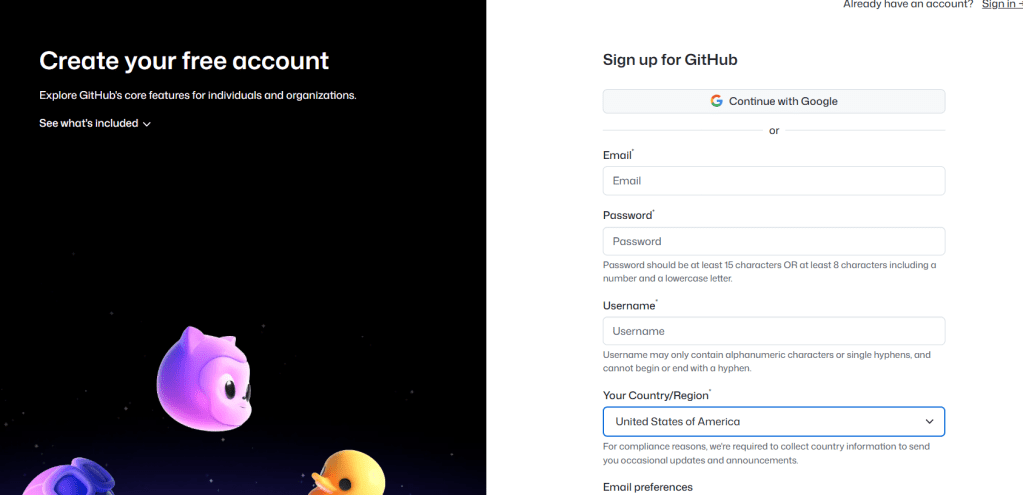
registration in github is pretty straightforward: just go to gihub.com and hit the sign up button
then from the home, select “repositories” and hit the “new” button

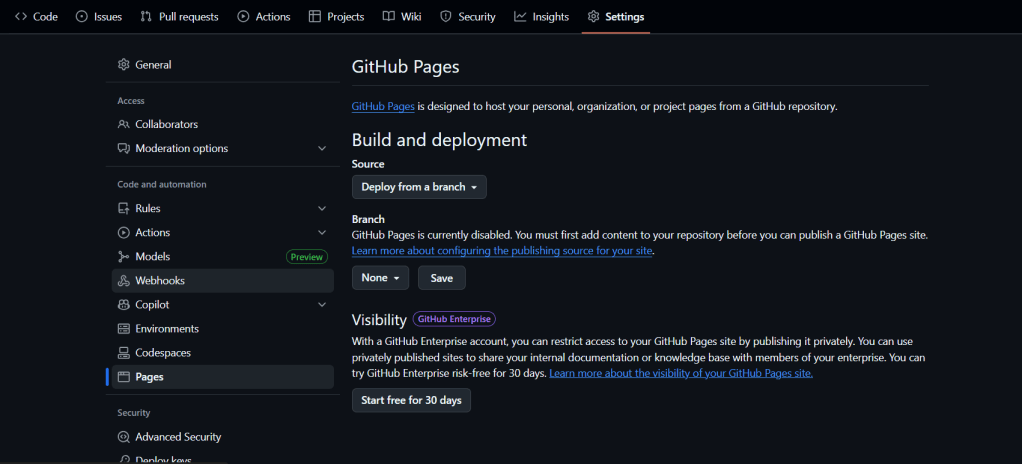
very important: the visibility should be set as public, to enable the github pages

from the panel check pages section
once created I need put my stuff onto it
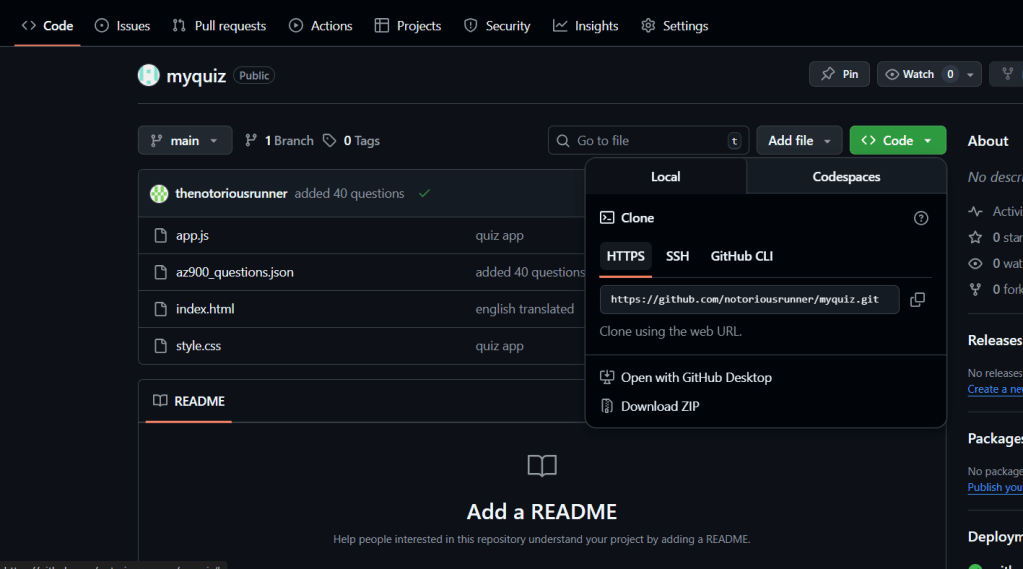
starting from the code section in your repository, click on code and get the repository link from https
now let’s setup git on our laptop
go to https://git-scm.com/downloads and choose the right version for your Operating system, dowload, double-click and install.
Now you have git on the laptop, let’s leverage it command line interface to push my files on the website
$ cd Documents/az900-quiz-app
$ git remote add origin https://github.com/notoriousrunner/myquiz.git
*This command sets the remote repository URL where your local repository will push its changes. In this case, it adds the remote repository named 'origin' with the specified GitHub URL.*

$ git init -b main
*This command initializes a new Git repository and sets the default branch to 'main'. If a repository already exists, this command will inform you that it has been initialized before.*

$ git add .
*This command stages all changes (new files, modified files, and deleted files) in the current directory for the next commit. The dot (`.`) signifies that all changes should be added.*

$ git commit -m "quiz app"
*This command creates a new commit with a message describing the changes made. The `-m` flag allows you to provide a message inline without opening an editor.*

$ git push -u origin main
*This command pushes your local 'main' branch to the remote repository named 'origin'. The `-u` flag sets the remote branch as the upstream for the local branch, allowing for easier future pushes and pulls.*
 VibeOps
Leave a comment