Let’s Code the JSON Prompter: Creating Your Own JSON Prompting Machine!
In the exciting world of coding and data management, JSON (JavaScript Object Notation) is a powerful tool that we often turn to. In my previous post about JSON prompting, which you can read here, I delved into the effectiveness and utility of this format. However, there’s one significant drawback: crafting JSON prompts can be a real chore!
The intricate dance of merging all those brackets—[{}{]]:[[,[,]:,}}—can quickly become overwhelming. It’s easy to lose track, resulting in wasted time wrestling with formatting when you could be focusing on the creative aspects of your project.
That’s where the idea of a JSON prompting machine comes into play! Imagine a tool that simplifies this process, allowing you to effortlessly generate complex JSON structures without the headache of manual formatting.
Discover the power of an AI prompt generator that incorporates JSON schema validation and real-time validation, combined with a visual JSON editor for seamless workflow automation. Engage in collaborative editing with a schema generator that includes features like syntax highlighting and mock data generation, all while ensuring no signup/Open-source access and easy API integration. Experience efficient performance monitoring through a drag-and-drop builder and utilize an online JSON viewer to enhance your productivity.
Join me on this adventure as we code our very own JSON prompting machine!
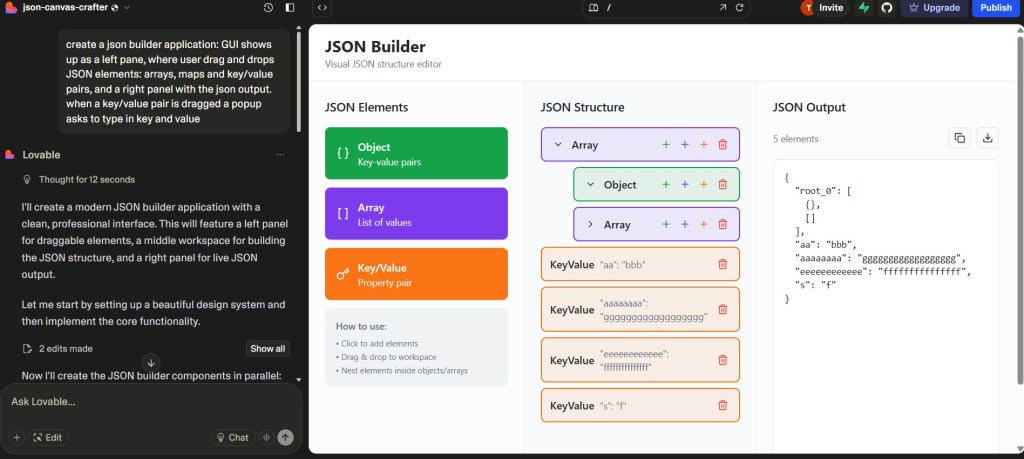
first attempt is a normal prompt, the application looks already promising, not 100% functional but ok
let’s try now the json prompt, below the one I used
{
  "task": "Create an online app to compose JSON using drag and drop",
  "description": {
    "content": "A webpage displaying three elements: a panel with tools, an input drag and drop panel and an output textbox",
    "elements": [
	  {
		"name": "composer",
        "type": "drag and drop area",
		"elements": [
			{
				"type" : "icon to drop",
				"value" : "{}"
				"behavior" : "when released adds a map to the json output in the location where it is dropped"
			},
			{
				"type" : "icon to drop",
				"value" : "[]"
				"behavior" : "when released adds a list to the json output in the location where it is dropped"
			},
			{
				"type" : "icon to drop",
				"value" : "'\"\":\"\"
				"behavior" : "when released pops up a key value insert form and adds a key/value to the json output in the location where it is dropped"
			}
		]
		"position": "left"
	  },
      {
        "name": "input",
        "type": "drag and drop area",
        "position": "center"
      },
      {
        "name": "output",
        "type": "textbox",
        "editable": "yes",
        "position": "right",
		"additional": {
			 "name": "Copy",
			 "type": "Button",
			 "behavior": "when clicked the whole output is copied",
			 "position": "top right"
		}
      }
    ],
    "functionality": "user selects items from composer and drags them on the input, on the right textbox the JSON output is visible",
    "style": "Responsive, dark themed design"
  },
  "constraints": {
    "tech_stack": {
      "html": "Standard HTML5",
      "css": "Tailwind CSS via CDN",
      "javascript": "Vanilla JavaScript"
    },
    "layout": "Responsive grid with 3 elements above on a single row"
  },
}
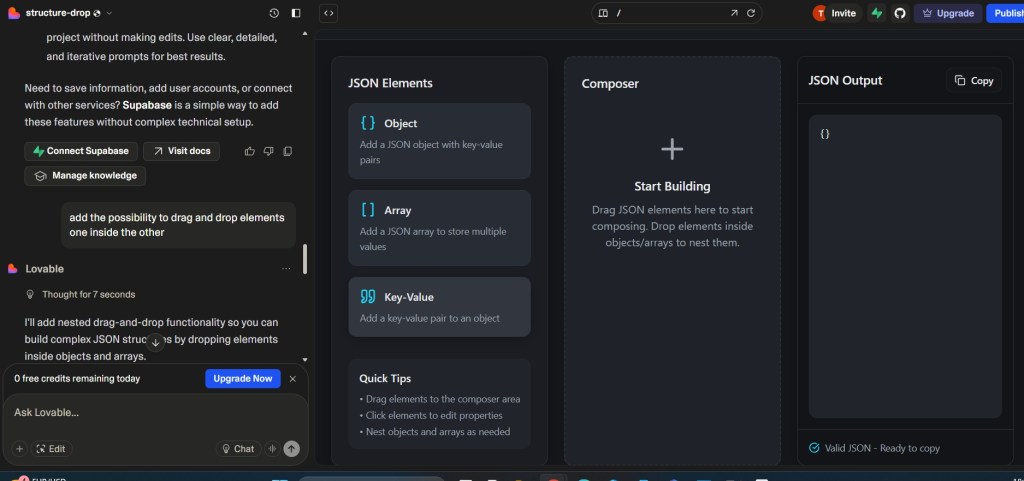
the app looks already amazing, just added a slight change
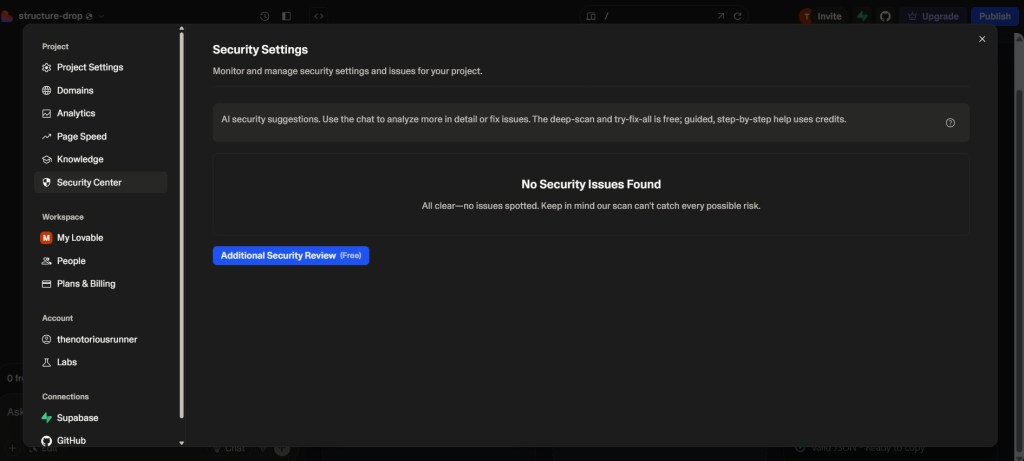
if you then chose to publish the app, lovable allows you to run a security scan
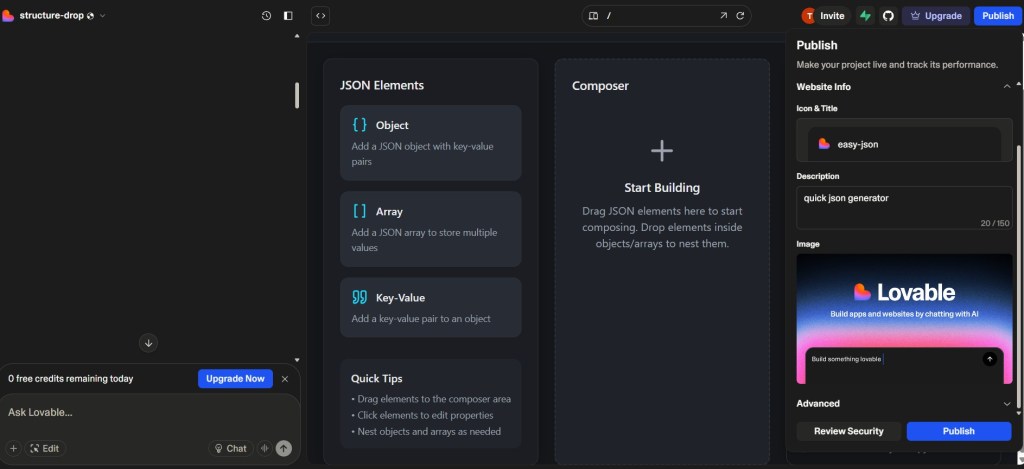
and finally the application is here
https://structure-drop.lovable.app/
use and let me know
I uploaded the application from lovable to github
 VibeOps
Leave a comment