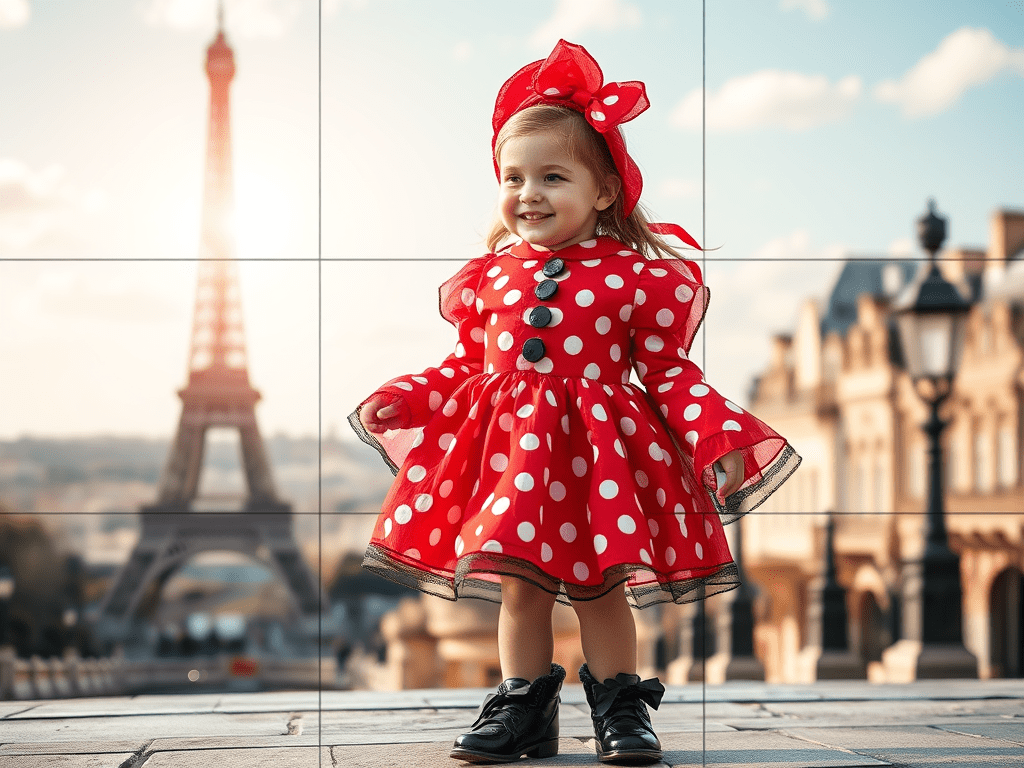
You remember that post I made here about JSON prompting? Well, let’s dive into a fun twist—image generation! Honestly, creating images can be super tricky because it’s tough to perfectly describe what we have in mind.
So, how about we use a method similar to taking photos? Picture this: we break the image into 9 equal squares. We’ll focus on each square one at a time and clearly describe what we want to see in each section.
For example, let’s talk about my daughter’s favorite cartoon!
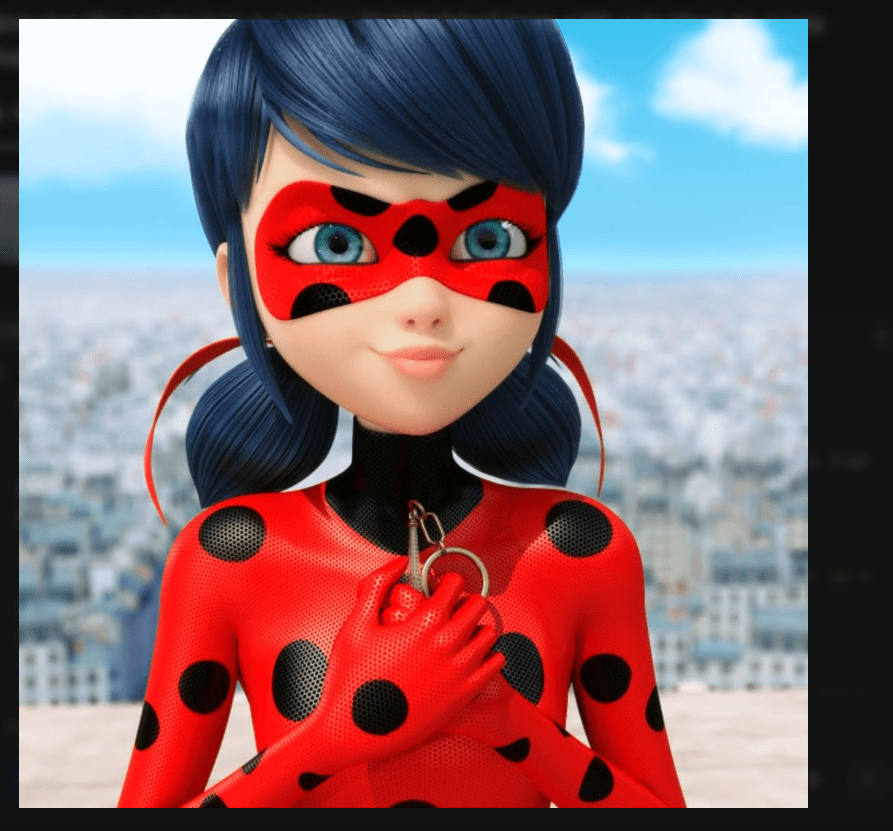
ok, to get an image description let’s feed an AI (in my case I used perplexity) and then feed nano banana with my prompt
1st attempt
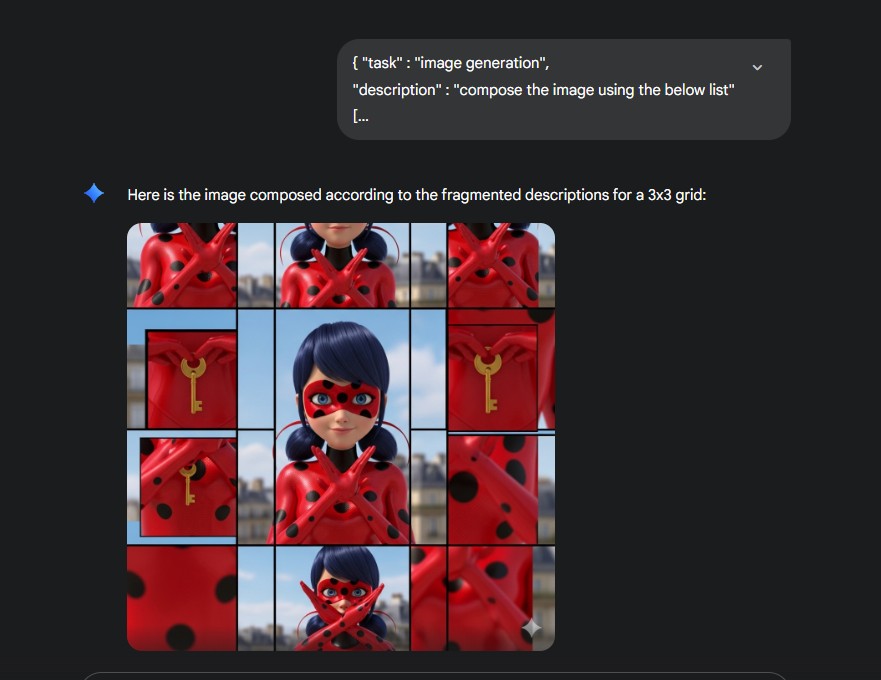
Sure thing! Let’s jazz it up a bit:
“Alright, alright, it seems my list may have pulled a fast one on you! Let’s toss in a keyword to spice things up!”
"description" : "compose the image using the below list, seamless merge the elements to create a single image"
second attempt
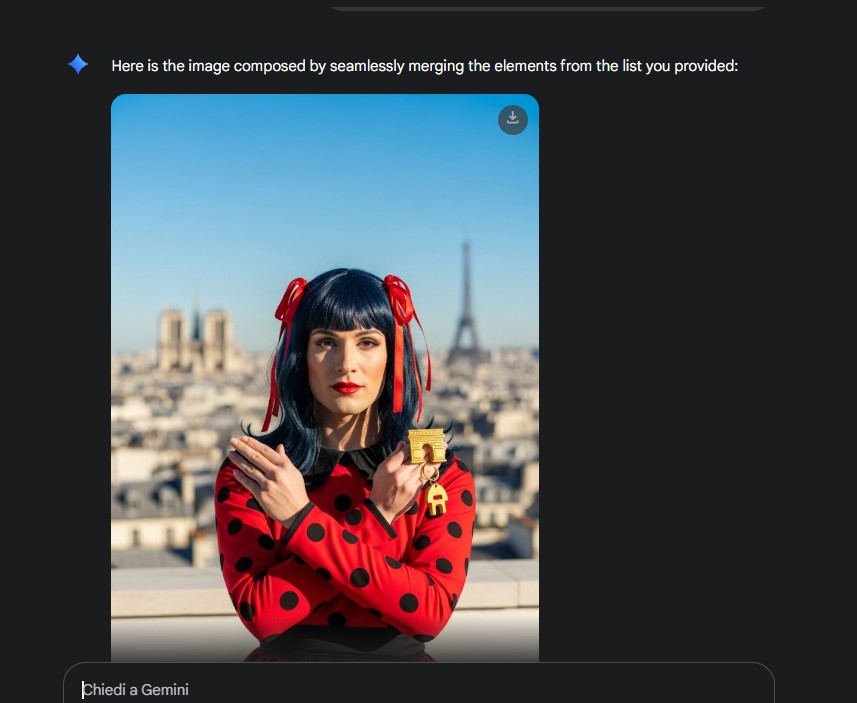
I can’t honestly stop laughing, but well…. clothing, hair, background are matching
	  {
		"position": "Row:2 Col:2",
		"description": "Middle center square. Shows the upper part of the costume and young woman face covered by a mask; crossed hands holding a golden keyring are visible, along with the typical black polka dots on the red costume. Some object details and parts of red ribbons are seen."
	  },
see now what we generate
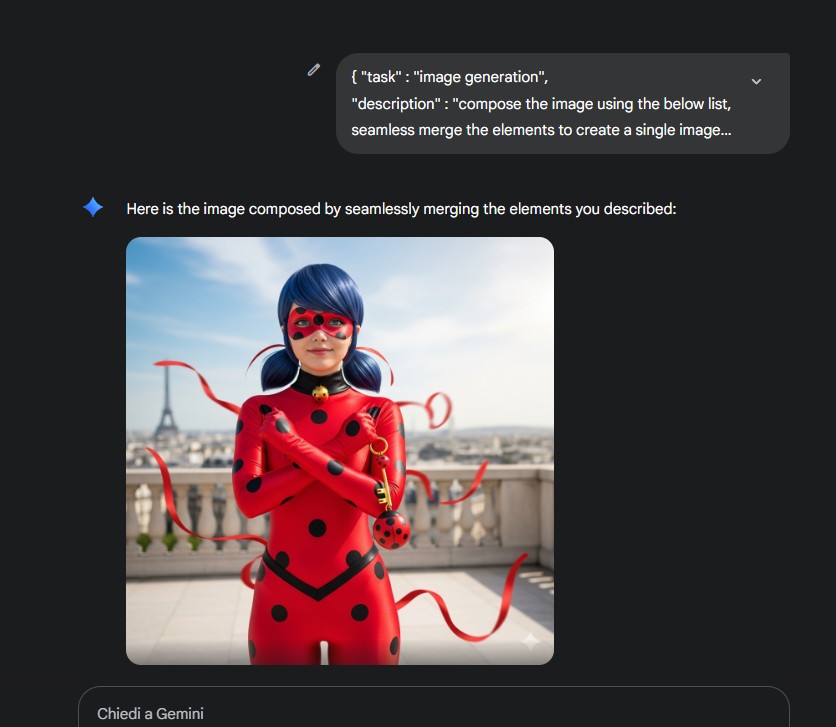
that is really way better
Note that in all the generations the model picked up the same exact character of my daughter’s cartoon, while the second generation pulled out a completely different person (even with the same elements)
one last detail
"framing" : "close-up",
and….
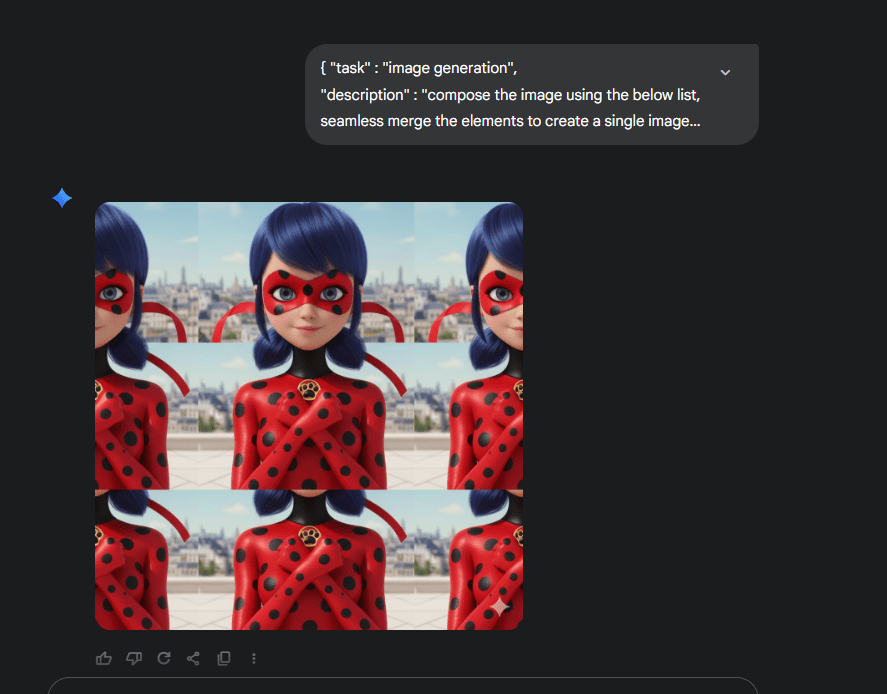
….screwed up 😦
let me rephrase
"description" : "compose the image using the below list, seamless merge the elements to create a single close up image",
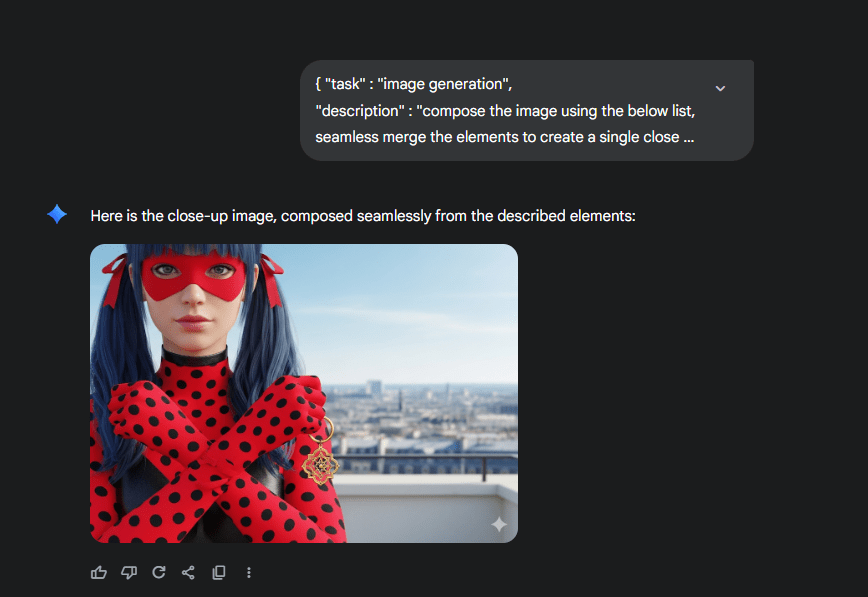
interesting, but the element positions are gone
one last attempt
"description" : "compose the image using the below list, seamless merge the elements to create a single close up image, respect the given order to place squares like pieces of a puzzle"
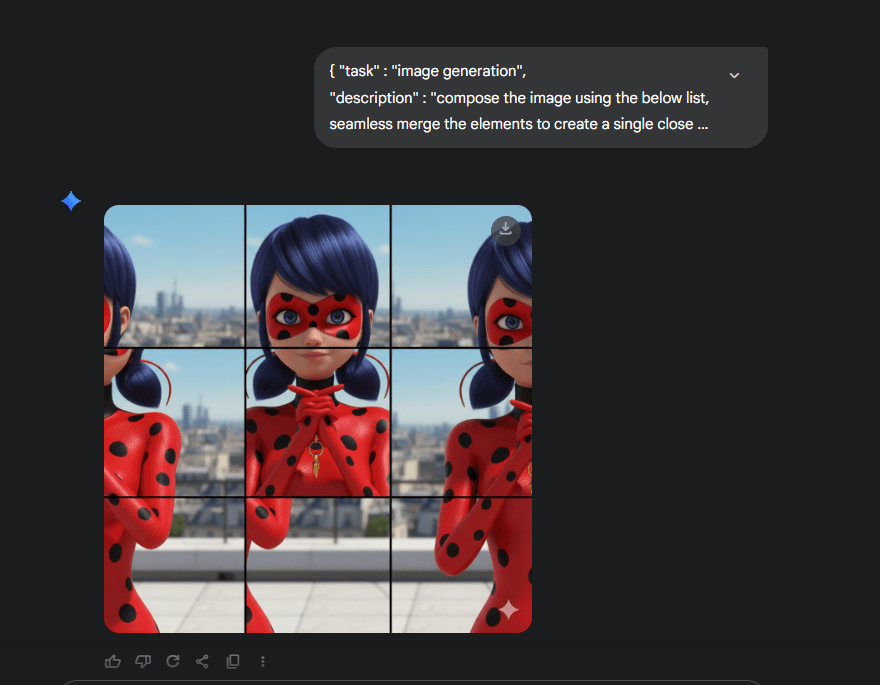
ok I surrender
let’s try chatgpt
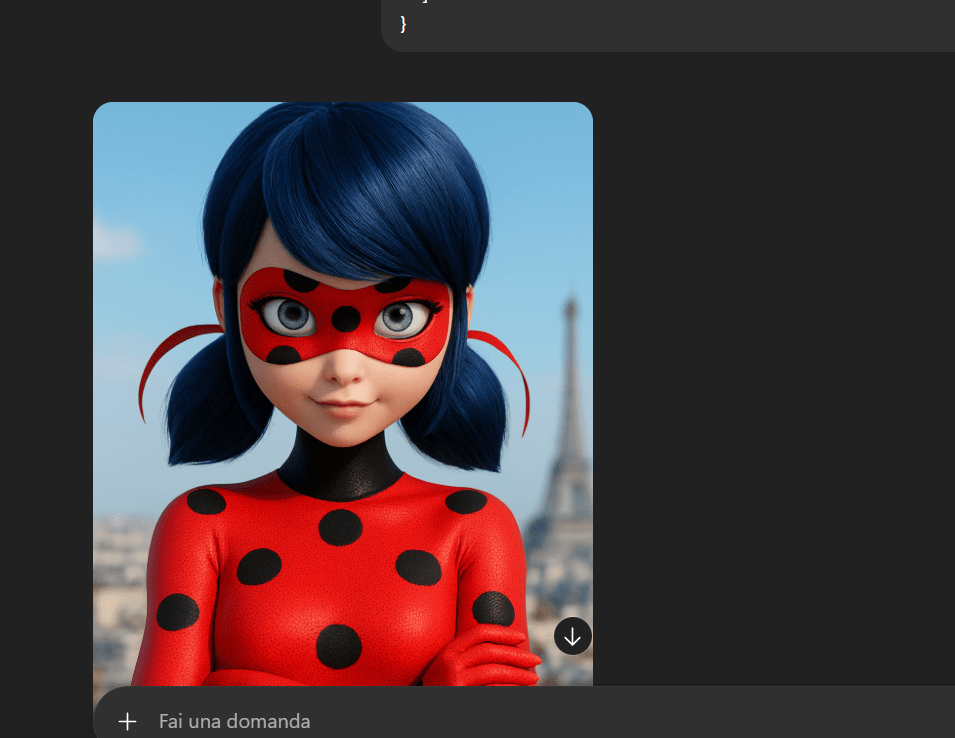
the best as of now
perplexity
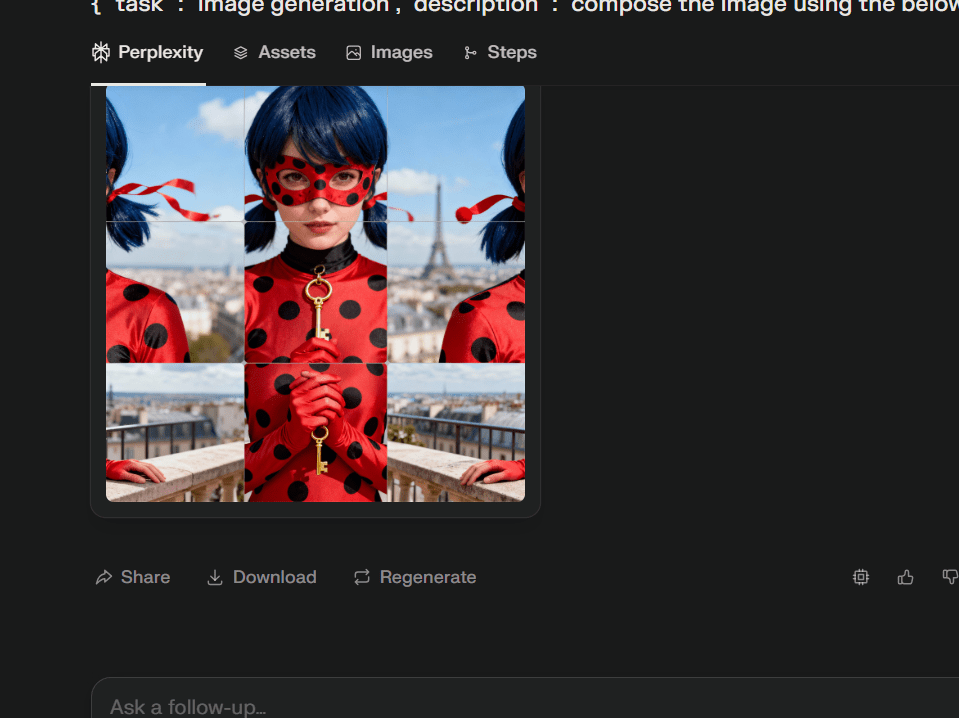
perchance: random images
second attempt on chatgpt
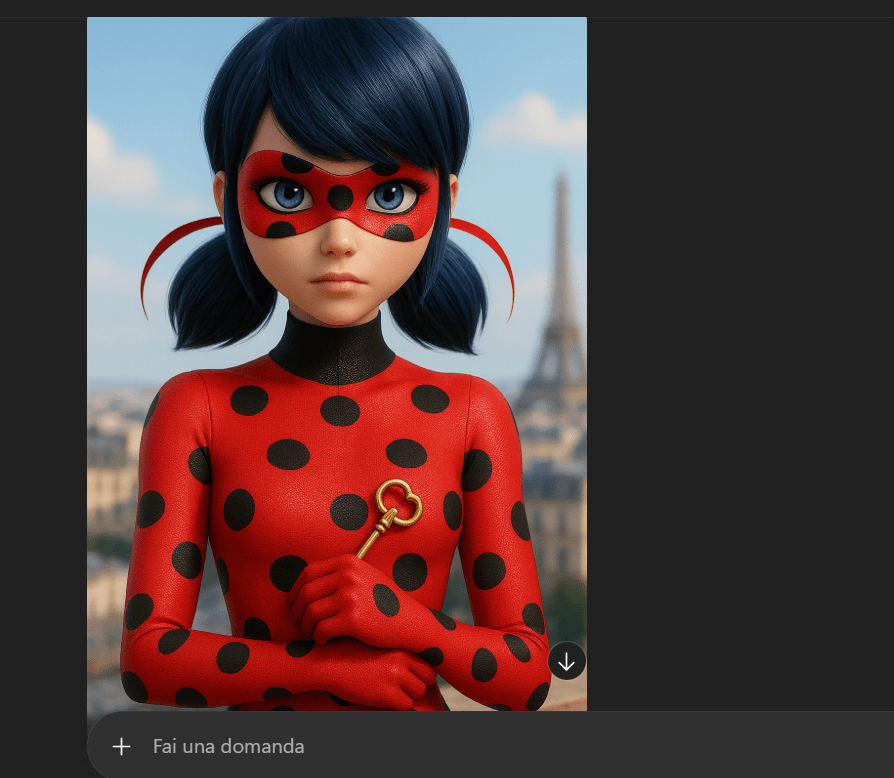
foocus (yes, I am old fashioned) random images
conclusion
In theory, it sounds straightforward—describing an image piece by piece and assembling it like a puzzle. Yet, this technique often falls short with diffusion models and even older frameworks. Interestingly, it shines brighter in autoregression models!
What do you think? Dive into the conversation and share your insights!
Below the JSON I used
{ "task" : "image generation",
"description" : "compose the image using the below list, seamless merge the elements to create a single close up image, respect the given order to place squares like pieces of a puzzle",
[
{
"position": "Row:1 Col:1",
"description": "Top left square. The edge of dark blue hair is visible, a light blue sky background, and the upper part of a blurred building in the distance. No costume details present."
},
{
"position": "Row:1 Col:2",
"description": "Top center square. A significant amount of dark blue hair is visible around the top of the head, blue sky, and the beginning of red ribbons. No hands or costume details."
},
{
"position": "Row:1 Col:3",
"description": "Top right square. Background is mainly sky and a blurred Paris cityscape, with the tip of a red hair tie coming in from the side."
},
{
"position": "Row:2 Col:1",
"description": "Middle left square. There are hair, parts of the red costume with black polka dots on the left edge, and part of a red hair ribbon. The background includes a blurred city and sky."
},
{
"position": "Row:2 Col:2",
"description": "Middle center square. Shows the upper part of the costume and young woman face covered by a mask; crossed hands holding a golden keyring are visible, along with the typical black polka dots on the red costume. Some object details and parts of red ribbons are seen."
},
{
"position": "Row:2 Col:3",
"description": "Middle right square. Blurred Paris city background, sky, and a part of the shoulder with the red polka dot costume and edge of a red ribbon. No hand visible."
},
{
"position": "Row:3 Col:1",
"description": "Bottom left square. Lower part of the red polka dot costume and part of the left hand. Foreground includes the terrace edge and blurred city."
},
{
"position": "Row:3 Col:2",
"description": "Bottom center square. Shows the crossing of red hands in detail; the golden keyring held between the fingers, black polka dots on the costume, and part of the light terrace."
},
{
"position": "Row:3 Col:3",
"description": "Bottom right square. Final part of the red polka dot costume, edge of the right hand, light terrace, and blurred city background."
}
]
} VibeOps
Leave a comment