
what are SLM
Small Language Models are small local language models you can donwload on your local machine:
- They have low latency: everything is processed directly on your PC, eliminating the need for any network dependencies, which ensures faster response times and a smoother user experience.
- Privacy: if you upload your tax declaration on chatGPT to know where you can optimize your expenses then Mr Altman will know exactly how much you earn per year, with a local LLM everything is on your PC
- Price: ok might not be a big expense but seeing the counter every time you ask something OR maintaining a monthly fee for some sporadic uses…..
As always I started with an easy approach and then overcomplicated everything
docker for windows
docker is not a new concept in informatics: it envisions the PC as a container ship where all the applications runs as a container: they share the platform (the ship: your computer) but every container is a closed ecossystem with assigned resources (every container contains its load and doesn’t know anything on what’s contained in another container)
why is it useful?
get a container, test it, install what you want, experiment what you want. Once you are tired or (in my case) you screwed up everything just throw the container offboard into the ocean and restart from scratch
get it
head to https://www.docker.com/ and download the installer for your platform. Run the installer like any other program
how it looks
the interface looks like as per below, in the latest version they added a new menu, specifically dedicated for AI models
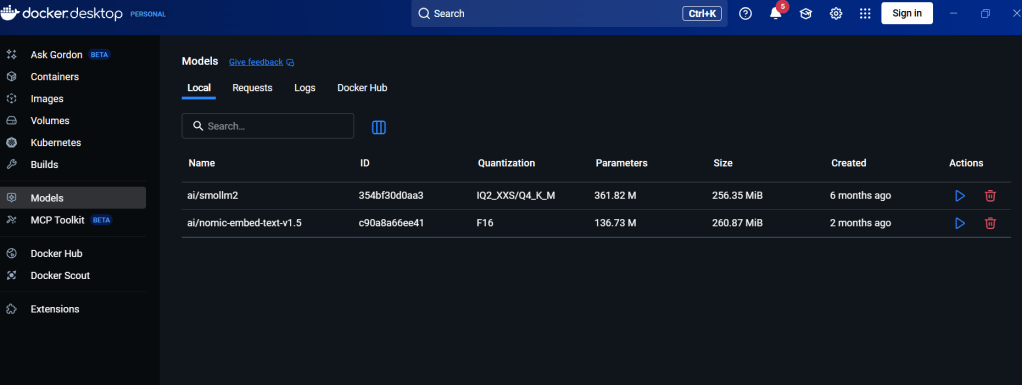
just use the search field and get a model
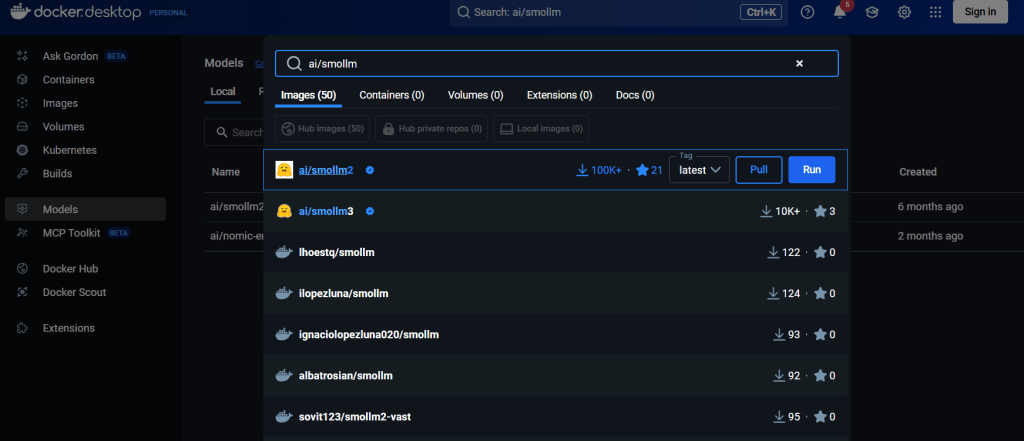
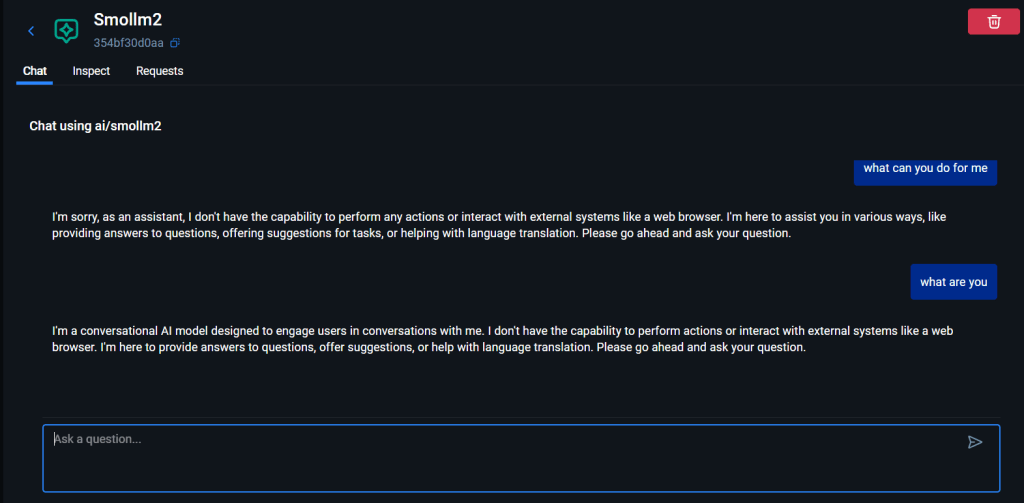
play with that
once the model is dowloaded you can run it and start chatting
if you want to programatically access it you should enable API
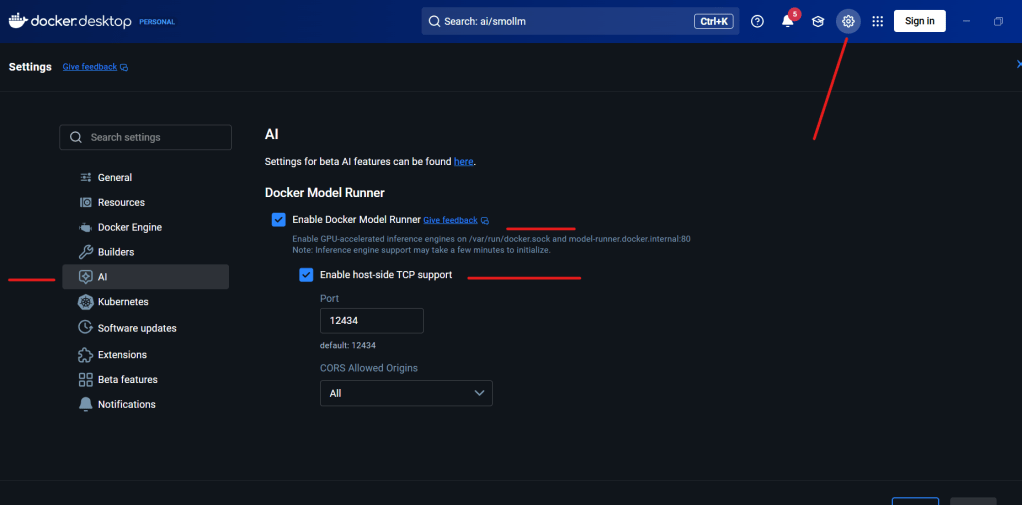
now open notepad and paste the below content
{
"model": "ai/smollm2",
"messages": [
{"role": "system", "content": "You are a helpful assistant.Answer the question based onlyon the following context: Frogs swim in the pond, Fish swim in the sea, Duck swim in lake"},
{"role": "user", "content": "Which animals swim?"}
]
}
and save it with a myrequest.txt name
now open you cmd prompt and run the command below
curl http://localhost:12434/engines/llama.cpp/v1/chat/completions -H “Content-Type: application/json” -d @myrequest.txt
please note the above system role:
Answer the question based onlyon the following context: Frogs swim in the pond, Fish swim in the sea, Duck swim in lake
here we are essentially restricting its responses to a set we are predefining, we are giving it a CONTEXT
infact in its reply we are going to have
“content”:”Frogs and fish.”
(he forgot the duck)
I would like now to somehow train or fine tune it a bit more
Let’s say I want to upload a company document to provide answers based on it….
RAG should fit my needs: I should somehow upload a text via curl, providing the model with the necessary context and information. Upon receiving this input, the model should analyze the content and reply to me with relevant responses, insights, or summaries based on the provided text. This functionality will allow for a more interactive and efficient use of the capabilities of the model, ensuring that the answers are tailored to the specific information I submit.
go to https://docs.docker.com/ and ask AI how shall I do
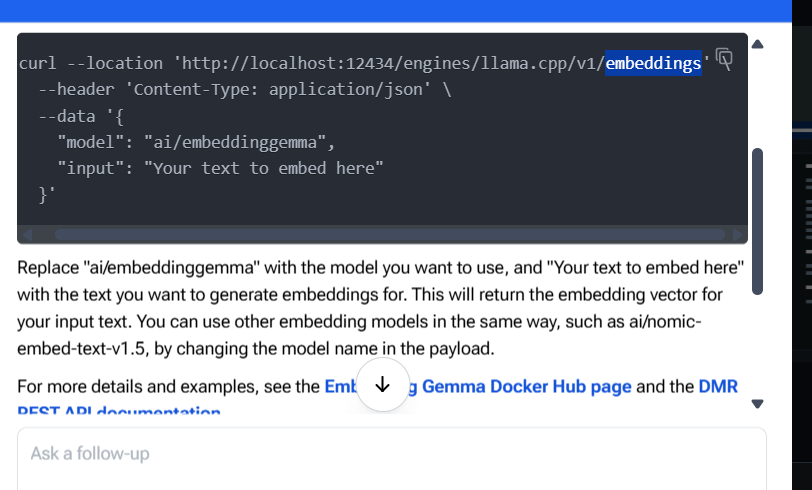
Ah, great! After a multitude of attempts, I’ve been informed that I need to switch to an embedding model. Just when I thought I was getting the hang of this, it turns out I’ve got to change my dance partner!
I download ai/nomic-embed-text-v1.5 and created the below json
{
“input”: “Lions run in the savannah”,
“model”: “ai/nomic-embed-text-v1.5”,
“encoding_format”: “float”
}
then run the below
curl http://localhost:12434/engines/llama.cpp/v1/embeddings -H “Content-Type: application/json” -d @myenbed.txt
getting
{“model”:”ai/nomic-embed-text-v1.5″,”object”:”list”,”usage”:{“prompt_tokens”:7,”total_tokens”:7},”data”:[{“embedding”:[0.0070352195762097836,-0.00368356890976429,-0.1909504532814026,-0.021994497627019882,0.07799173891544342,0.05262553691864014,-0.030779056251049042,0.02579563669860363,-0.01382038276642561,0.03718066215515137,0.0006733654881827533,0.040531739592552185,0.04374312981963158,0.037164732813835144,-0.046503227204084396,-0.059835512191057205,0.026325643062591553,-0.006990049034357071,0.07111946493387222,
Ok, now what? The model does not seem to reply to me, and frankly, it’s like waiting for a text back from that friend who always leaves you on read. Here I was, excited and optimistic, spinning dreams of insightful responses, only to end up staring at the screen, marinating in my own disappointment. It’s a bit like ordering a five-star meal and getting a cold slice of toast instead.
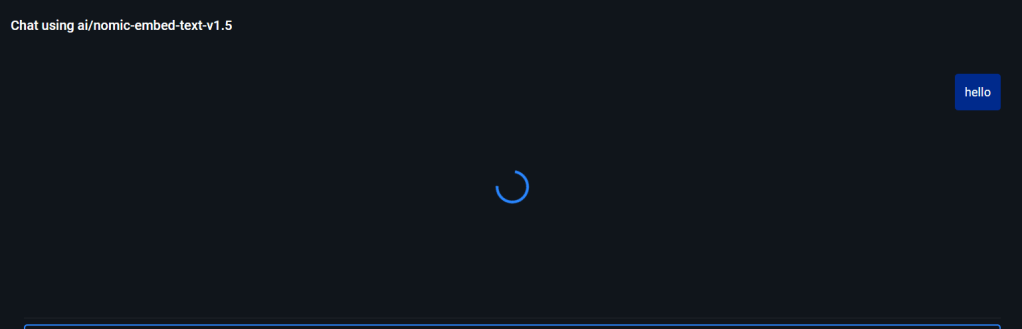
will need to figure this out…
 VibeOps
Leave a comment