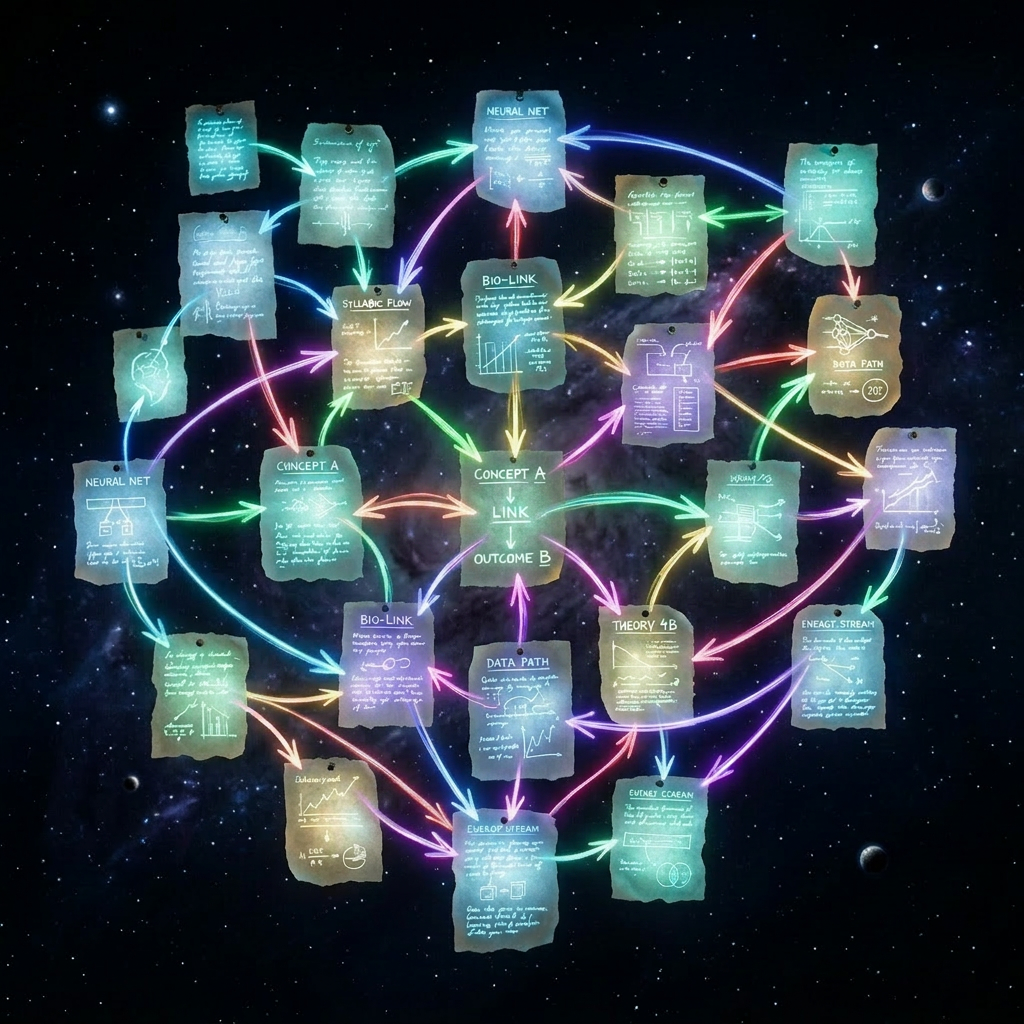
Most people trying to build a second brain make the same mistake. They open a note-taking app, create a database, spend an afternoon designing a schema, and then spend the next three months fighting their own system instead of doing work.
The problem isn’t the tool. The problem is the model. You’re trying to maintain knowledge manually — which is the same as compiling code by hand.
You don’t do that. You write source code and let a compiler produce the artifact.
The Karpathy Insight
Andrej Karpathy sketched the idea in a GitHub gist. The argument is simple: instead of querying raw documents with RAG every time you have a question, you let an LLM read your sources once and compile them into a structured, interlinked wiki. That wiki becomes the context layer for all future queries.
The analogy is exact. Your raw notes, articles, and project files are source code. The LLM is the compiler. The wiki is the binary — a built artifact you don’t edit by hand.
What changes when you think about it this way is significant. The wiki isn’t something you maintain. It’s something that gets rebuilt from sources, improved incrementally with every new ingest, and audited periodically with a lint pass. The LLM does the work. You supply the sources and the schema.
The Three Layers
The structure has three layers, and the separation is strict.
Raw: your original sources, never modified after they’re saved. Articles you clipped, research sessions, meeting notes, project summaries. Ground truth.
Wiki: a compiled knowledge base, entirely owned by the LLM. Concept pages, entity pages, synthesis pages, source summaries. You don’t write here. You run commands.
Schema: a single CLAUDE.md file at the vault root that tells the LLM how the system works — what page types exist, what frontmatter fields are required, and exactly what each command should do.
The schema is the spec. Everything else is output.
OKF: Making It a Standard
The wiki layer maps closely to Google Cloud’s Open Knowledge Format — a portable, Markdown-first knowledge bundle where each file carries YAML frontmatter and links to related pages using standard Markdown links.
OKF is an early-stage standard and still evolving. But the alignment matters: it means the wiki isn’t just a personal trick. It’s a format that agents, tools, and other systems can read without needing to know how it was built. You’re not locked into a proprietary schema. The whole thing is plain text, versioned in Git, readable anywhere.
Every wiki page follows the same minimal structure:
title: "Kubernetes Operator Patterns"type: conceptstatus: activetags: [kubernetes, go, devops]created: 2026-07-01last_reviewed: 2026-07-12
The only mandatory OKF field is type. Everything else is progressive enrichment — enough structure for the LLM to navigate the graph intelligently and for Obsidian to render properties natively.
Claude Code Is Not a Chatbot Here
This is where the workflow diverges from every “use AI for your notes” tutorial you’ve seen.
Claude Code is installed as a CLI. It reads CLAUDE.md at session start. It executes structured commands — /ingest, /sync-projects, /query, /lint — that are defined in that file. You don’t type prompts. You issue commands.
/ingest <path> reads a source, extracts entities and concepts, creates or updates wiki pages, adds cross-links, updates the index, and appends a log entry. One command can touch ten to fifteen pages, because the LLM doesn’t just summarize the document — it integrates new concepts everywhere they’re relevant across the existing graph.
/sync-projects is lighter. It scans your project folders, detects new or moved projects, updates frontmatter metadata, and rebuilds board views. Housekeeping, not compilation.
/query <question> reads the index first, loads three to seven relevant pages, and answers using wikilinks as inline citations. It doesn’t reload the entire wiki. The index is designed to stay compact — a navigation layer, not a context dump.
/lint audits the wiki for orphan pages, broken links, stale reviews, missing frontmatter, and contradictory claims. It generates a report and flags issues without auto-fixing anything. Fixing is your job; finding is the LLM’s.
Because these are CLI commands, you can drive them from a shell script. Bootstrapping a wiki from an existing project archive looks like this:
$projects = Get-ChildItem -Directory .\ONGOINGforeach ($p in $projects) { Write-Host "Ingesting $($p.Name)..." claude "/ingest $($p.FullName)"}
The shell becomes the control plane. Claude becomes a batch-processing worker executing a defined protocol, project by project, without any manual intervention.
The Strategic Layer: Compass, Pillar, Output
Once the system is running, a second problem surfaces: not all projects are equal, and treating them equally creates noise.
The wiki introduces three roles for project entities in the frontmatter:
compass— a strategic backbone project. Not a task queue. A north-star document that defines priorities, decision rules, and signals of drift.pillar— enabling infrastructure. Reusable systems, shared tools, foundational work.output— concrete deliverables. Most projects live here.
A compass project might be your editorial identity for a publication you run — with explicit rules about what topics to cover, what to deprioritize, and what signals mean you’re drifting off-voice. Another compass might be a long-term skill-building program on a different axis, with its own north star but overlapping downstream projects. They don’t conflict. They share execution projects and point in different directions.
Compass projects are excluded from kanban views by default. They’re not tasks — they’re references. You don’t close them; you consult them.
The /lint-compass command audits whether operational projects link back to the right compass and flags anything drifting off-axis. Running /query which ongoing project should I prioritize, according to the compass? returns a tiered answer — not because the LLM is guessing, but because it’s reading the compass decision rules and applying them to the current project state. The query is a structured lookup.
Obsidian as the Reader
The wiki lives in Markdown. Git handles versioning. Obsidian opens the vault and gives you the graph view, the property inspector, and the kanban board as a reading interface.
It’s important to be clear about what Obsidian is and isn’t here. It’s a reader. It doesn’t maintain the wiki. Claude maintains the wiki. Obsidian displays it.
The graph view becomes genuinely interesting once the wiki is populated — you can see concept clusters, trace how a single ingest propagated across the knowledge base, and spot orphaned projects at a glance. The kanban board renders directly from frontmatter status fields and stays synchronized without any manual updates.
Sync happens via Git. On the laptop the workflow is already running. Mobile access is live: using Termux on Android, with the proper device access (termux-setup-storage) the vault was cloned directly into shared storage (git clone into ~/storage/shared/Obsidian/) so Obsidian could open it as a vault. From there, the Obsidian Git plugin handles daily pull and push without touching the terminal again.
What This Changes
The shift is not aesthetic. It’s operational.
When knowledge is compiled rather than manually maintained, it stops decaying. Lint catches stale pages. New ingests improve the whole graph, not just the new page. Queries draw on structured context rather than raw chunks. The system improves over time because compilation is incremental and each pass leaves the graph slightly better than it found it.
You stop being the person who takes notes and start being the person who designs schemas and runs ingests. The difference is the same as the difference between editing a config file by hand every time and writing a module once.
The sources accumulate. The wiki builds. The compiler runs.
The full setup — CLAUDE.md schema, slash command definitions, page templates, and Obsidian configuration — is available on GitHub. [Download the starter kit → https://github.com/thenotoriousrunner/llm_wiki]
 VibeOps
Leave a comment